Template designer
Once all the parts/panels to be measured have been created they can be added to a template.
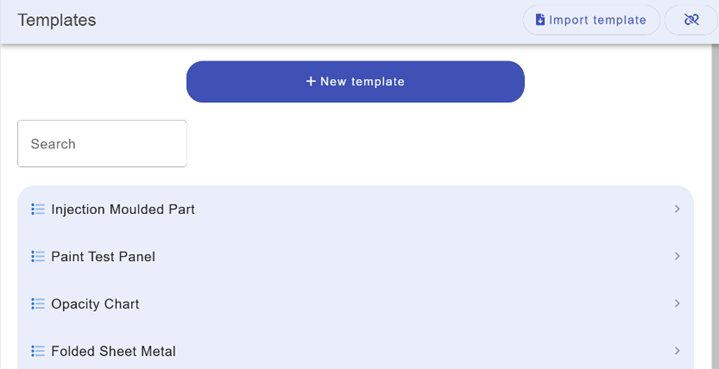
From the main menu select the Templates option.
Press the + New Template button.
Click on the data entry field, Name. Edit this to name the template.
For example, Paint Test Panel.
Additional data fields can be added by pressing the add property button.
Note, any additional data field/property can be updated later in job mode.
Last modified: 06 February 2025